Compared, with sources.
SARZ Command against Zoho CRM, Odoo, HubSpot and the WhatsApp-and-Excel setup most UAE SMEs start with. The short version: those tools are self-serve and priced per user; SARZ Command is set up and run for you, for one flat monthly fee, with WhatsApp, VAT invoicing and cash built in.
● Yes◐ Partly○ No? Varies by plan / check vendor
| Compared on | SARZ Command | Zoho CRM | Odoo | HubSpot | WhatsApp + Excel |
|---|---|---|---|---|---|
| Built for UAE SME workflows | Yes: Built in Dubai, for UAE SMEs | Partly: General-purpose; adapted through setup | Partly: General-purpose; adapted through apps and setup | Partly: General-purpose; marketing- and sales-led | No: You build and maintain it yourself |
| WhatsApp built in | Yes: Inbox, automatic updates and a customer bot | Varies: Via marketplace extensions; check your edition[4] | Varies: WhatsApp app on Enterprise plans[3] | Partly: Native integration on Professional and Enterprise tiers[1] | Partly: Chats only, not linked to anything |
| AED tax invoices with 5% VAT | Yes: One click from the job, with your TRN | Varies: Usually via Zoho Books, a separate app | Varies: Through Odoo Invoicing / Accounting | Varies: Varies by plan / check vendor | Partly: Manual templates |
| UAE e-invoicing connection | Partly: Built to connect to your chosen FTA-accredited provider (ASP) | Varies: Varies by plan / check vendor | Varies: Varies by plan / check vendor | Varies: Varies by plan / check vendor | No: Not possible from a spreadsheet[5] |
| Set up for you | Yes: Set up for your stages, roles and data | Varies: Self-serve, or through a partner | Varies: Self-serve, or through a partner | Varies: Self-serve; paid onboarding on higher tiers[2] | No: DIY |
| Owner one-screen view (money + jobs) | Yes: Owner Command Center | Partly: Dashboards you configure | Partly: Dashboards you configure | Partly: Sales and marketing dashboards | No: Rebuilt by hand |
| Role desks with database-level permissions | Yes: Six desks, permissions in the database | Partly: Profiles and roles you configure | Partly: Access rights you configure | Partly: Seats and permissions by tier | No: Anyone with the file sees everything |
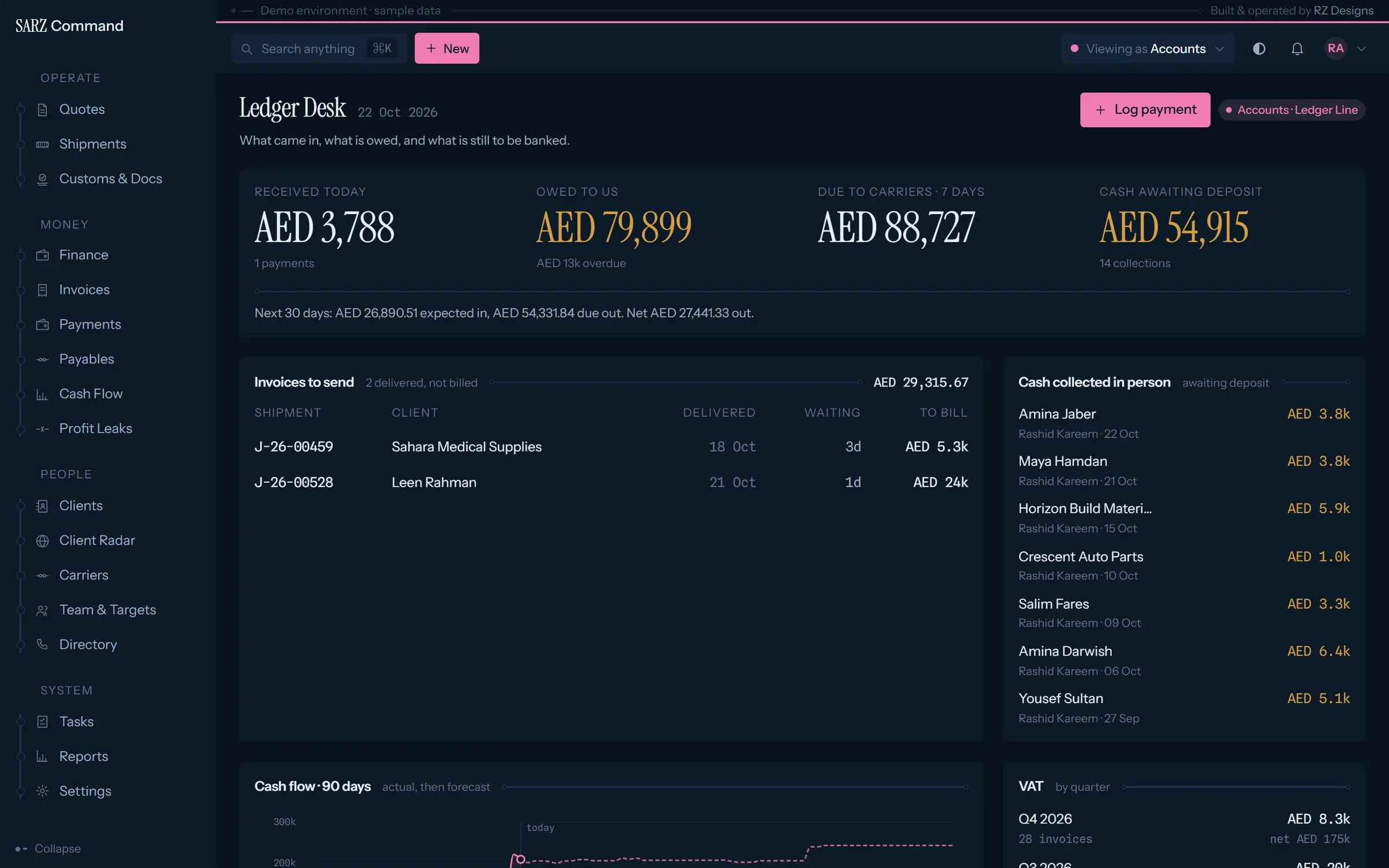
| Cash collected in person, tracked to the bank | Yes: "Awaiting deposit" until banked | Varies: Varies by plan / check vendor | Varies: Varies by plan / check vendor | No: Not a finance tool | Partly: If someone remembers to log it |
| Local support | Yes: Built and supported in Dubai | Varies: Zoho and local partners | Varies: Odoo and local partners | Varies: HubSpot and partners | No: None |
| Customisation | Yes: Changes made for you, as part of the service | Yes: Extensive, with admin skills or a partner | Yes: Extensive, with developers or a partner | Partly: Configurable within its model | Yes: Total, by hand |
| App marketplace and integrations breadth | No: Focused: core integrations only | Yes: Large marketplace[4] | Yes: Large apps store[3] | Yes: App marketplace | No: None |
Being fair
When Zoho, Odoo or HubSpot is the better choice.
Zoho CRM
- You want a self-serve CRM your own admin can configure.
- You already use the Zoho suite (Books, Desk, Campaigns) and want it all connected.
- You need a very large marketplace of extensions.
Odoo
- You need inventory, manufacturing or full double-entry accounting in the same system.
- You have the in-house skills, or a partner, to configure and maintain it.
- You want a large apps store to choose from.
HubSpot
- Inbound marketing, email campaigns and content are central to your growth.
- You want deep marketing automation and a large app marketplace.
- Your team is large and wants a self-serve tool.
Large teams that want a self-serve tool, deep marketing automation or a big app marketplace are usually better served by those platforms. SARZ Command is for SMEs that want their operations on one screen, set up and looked after for them.
Guides for UAE SMEs
All insights →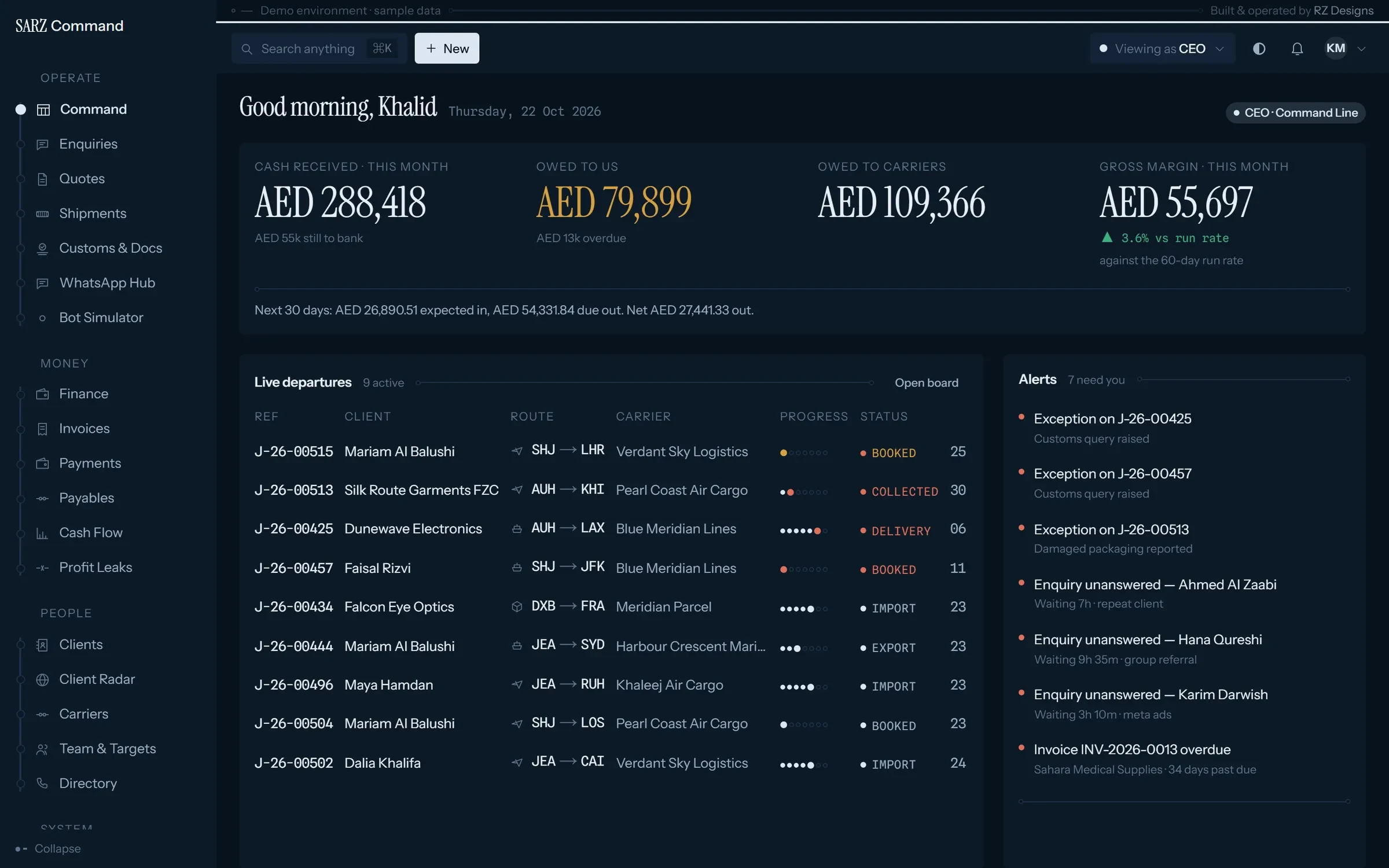
Business systems5 min read
Best CRM for small businesses in the UAE (2026): an honest guide
Zoho CRM, HubSpot, Odoo, SARZ Command or WhatsApp and Excel? Which CRM fits a UAE small business, judged on WhatsApp, VAT invoicing, e-invoicing and price.
22 October 2026
Business systems3 min read
How to track the cash your sales team and technicians collect
A simple system for cash your salespeople, drivers and technicians collect in the UAE, so every dirham is tracked from the customer's hand to the bank.
22 October 2026
Swap the group chats for one screen.
Book 20 minutes. We’ll walk through SARZ Command with your own business in mind, and you’ll know whether it fits.